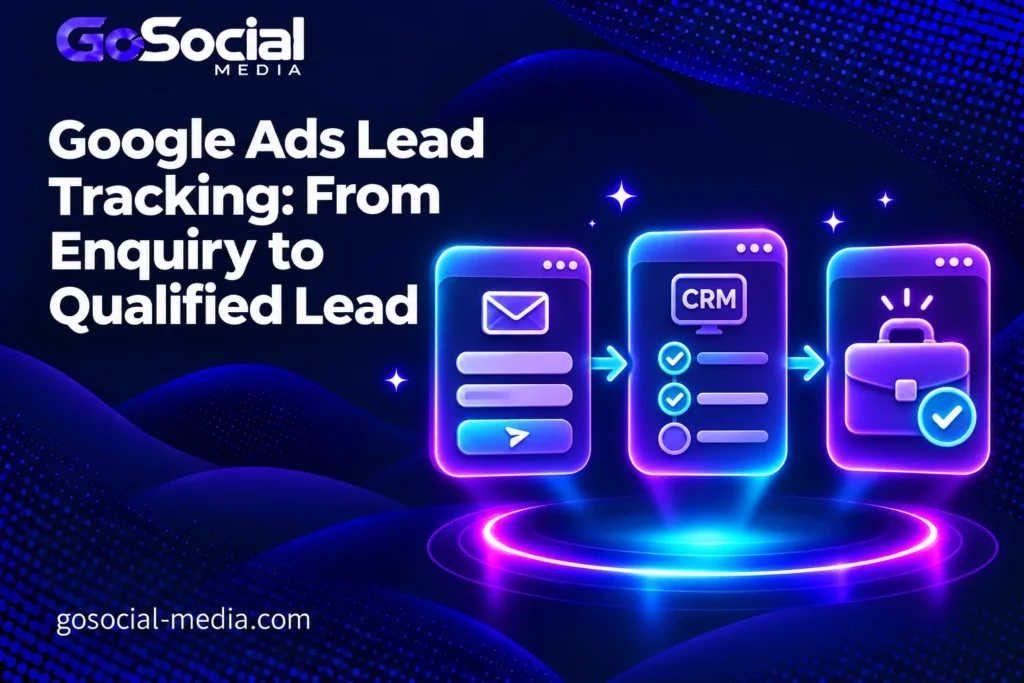
Google Ads lead tracking should connect an enquiry to the later decision about whether your business can serve that prospect. Start with a reliable record of the enquiry, agree what “qualified” means, and keep that record connected to its outcome. Only then decide which verified conversion actions should guide bidding.
This guide is a handover plan for a service-business owner, the person managing advertising and the person maintaining the website or CRM. Its deliverable is a measurement brief that all three can sign off: definitions, responsibilities, evidence and a review process. It applies to international service businesses without assuming that every country, sales cycle or CRM needs the same implementation.
1. Define the business event before choosing a tag
A visitor pressing Send, a successfully received enquiry and a suitable sales opportunity are different events. Before discussing software, write down the event you want a report to represent. “Our team received a genuine request for a service we offer” is a clearer starting point than “the lead conversion fired.”
Ask sales to describe a qualified enquiry using observable requirements. These might include the requested service, whether the business can deliver in the prospect’s location, and enough information to assess the project. Avoid rules that depend on a salesperson’s changing impression. A prospect who has not replied is still unresolved, rather than automatically disqualified.
Google distinguishes qualified and converted leads: qualification happens after further assessment, while a converted lead reaches a chosen later business milestone. Define your own milestone explicitly; a booked consultation and a paid project need separate names.
| Status | Evidence required | Owner |
|---|---|---|
| Received | The enquiry exists in the agreed inbox or CRM. | Website / operations |
| Under review | A record exists; suitability is still unknown. | Assigned sales owner |
| Qualified | Documented service and delivery criteria are met. | Sales reviewer |
| Not suitable | A specific reason is recorded, such as an unavailable service. | Sales reviewer |
| Customer | The agreed commercial milestone has happened. | Sales / finance |
This is an operating example, not a requirement to buy a new CRM. A small team can start with a controlled lead register. What matters is that one person owns the next action and that changing a status leaves enough evidence for someone else to understand the decision.
2. Draw the handover from website to sales
Choose one real enquiry route and trace it end to end before expanding to every channel. Which page contains the form? Where does a successful submission arrive? Who gets notified? How does the reviewer find the same record later? A tag firing correctly cannot compensate for an enquiry that never reaches the person expected to answer it.
Give each enquiry a stable internal reference. Keep the submission time, source information available to your implementation, assigned owner and later status changes together. The internal reference joins your operational records; it does not by itself replace the matching information required by a Google Ads import.
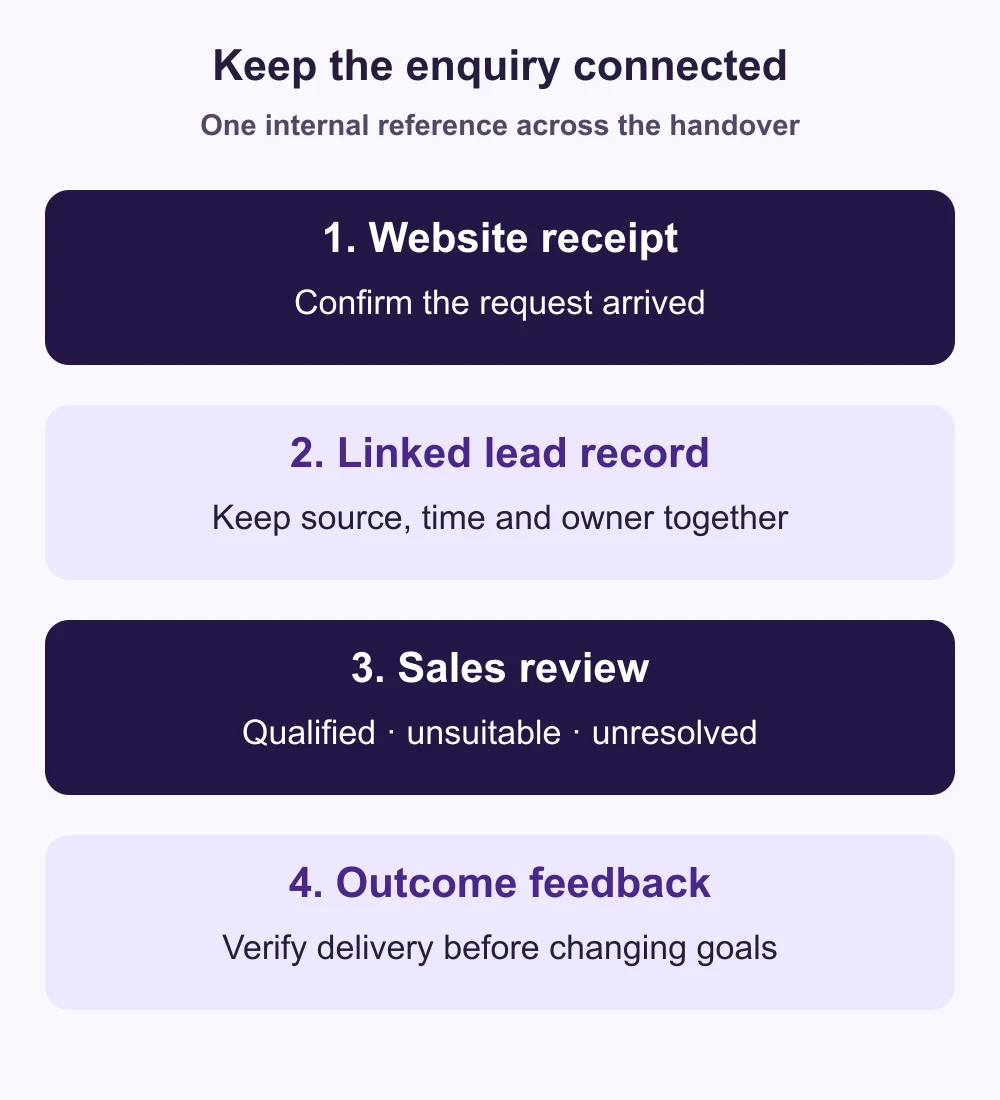
For phone or messaging enquiries, distinguish a click on a contact button from a conversation that actually happened. If the available system can measure only a click, label it as a click. Do not present it as a confirmed call, qualified lead or sale. Decide who will record the later conversation rather than leaving an invisible gap in the report.
Document failure handling too. An unavailable integration should produce an alert or review task for a named person. Otherwise an advertising report may continue to look normal while sales outcomes stop arriving. The handover brief should say how the team notices missing records and how it restores the connection.
3. Separate business reporting from bidding settings
A business can report several stages of one enquiry without treating them as several new customers. Keep received enquiries, qualified opportunities and customers in separate columns. Adding those counts together obscures the journey instead of describing it.
In Google Ads, a primary action can guide bidding when its goal is used by the campaign; secondary actions normally support observation. A secondary action included in a custom goal can still be used for bidding. Check the actual campaign goals, not just an action’s label. See Google’s conversion-goal documentation.
Before changing a live campaign, inventory every action measuring the same business event. For example, a direct advertising tag and an imported analytics event may both represent the same accepted form. Investigate whether both influence the campaign. A larger conversion total created by duplicate measurement is not evidence of more enquiries.
Choose an optimization milestone with your advertising specialist after reviewing accuracy, regularity and delay. A final sale may be commercially meaningful but arrive too late or too inconsistently for the current setup. An earlier verified stage may be more practical. Neither “always optimize for sales” nor “make every lead stage primary” is a sensible universal instruction.
4. Brief the implementation without guessing the connector
The implementation brief should specify the business outcome first, then ask the implementer to propose the supported route for your current tools. A native CRM connection, a managed data connection and a developer-maintained integration have different ownership and maintenance needs. Do not choose solely because an old tutorial makes one option look quick.
Enhanced conversions for leads supplements offline outcome measurement with hashed first-party customer information to help match outcomes to advertising interactions. It still needs accurate outcome records. Review current setup instructions for your chosen method rather than copying an older API or tag recipe.
Keep personal information out of page URLs, ordinary analytics labels and informal tracking spreadsheets. Agree which approved fields the integration actually needs, who can access them and how your organization handles applicable consent and data requirements. Hashing is a processing step; it does not turn every proposed data flow into an appropriate one.
Request a written field map rather than a screenshot saying “connected.” The map should distinguish the original enquiry time from the time a later qualification happened, identify the intended conversion action and explain how the system handles the same event arriving again. Let the implementer confirm exact field names and formatting against the current connector documentation.
| Ask for | Evidence to receive |
|---|---|
| Event definition | The business rule and the exact action receiving that event. |
| Record matching | A field map showing how the outcome relates to the original enquiry. |
| Time handling | Event timestamp, timezone and handling of delayed updates. |
| Repeat handling | A documented method for preventing duplicate event processing. |
| Monitoring | Where errors appear and who investigates them. |
5. Test the whole journey before relying on the number
Use controlled test records, clearly marked for the team, to check receipt and routing. Include a successful enquiry, a validation failure, a repeat submission and a record that remains under review. Test the actual form on mobile as well as desktop. Coordinate any advertising-data test with the implementer so it does not contaminate production performance reports.
Google’s implementation checklist covers tag testing, diagnostics and import monitoring. Include those checks in acceptance alongside your operational review. A working website event and a successful downstream outcome connection are separate things to verify.
Ask for evidence of one joined journey: the enquiry reference in your system, its later status, the intended event time and the integration’s result. An accepted upload does not mean every CRM outcome will appear as an attributed advertising conversion. Keep technical delivery, matching and attribution distinct when investigating differences.
Give each test a pass condition. “Sales can find the enquiry and its owner” is testable. “The tracking looks good” is not. Keep a short unresolved-issues list and decide who will sign off each item. Avoid switching campaign optimization to a new action merely because the connection has been enabled.
6. Compare enquiries that have had time to mature
A useful business review follows a defined group of enquiries received during the same period. Record when you reviewed them and how many remain unresolved. Do not compare this morning’s fresh enquiries with last month’s fully reviewed opportunities as if they had equal time to qualify.
The following figures are entirely hypothetical, not GoSocial results or industry benchmarks. Both rows represent enquiries received in comparable periods and reviewed at the same age. Their purpose is to show why incomplete qualification can change the interpretation of cost.
| Measure | Group A | Group B |
|---|---|---|
| Advertising spend | £900 | £900 |
| Enquiries received | 45 | 30 |
| Qualified so far | 9 | 10 |
| Still unresolved | 18 | 2 |
| Spend / enquiry | £20 | £30 |
| Spend / qualified so far | £100 | £90 |
Group B has the lower observed cost per qualified enquiry, despite its higher initial enquiry cost. But A still has eighteen unresolved records. The example does not establish a stable winner or justify a budget move by itself. Investigate why the reviews are incomplete and recheck the same group after the missing outcomes arrive.
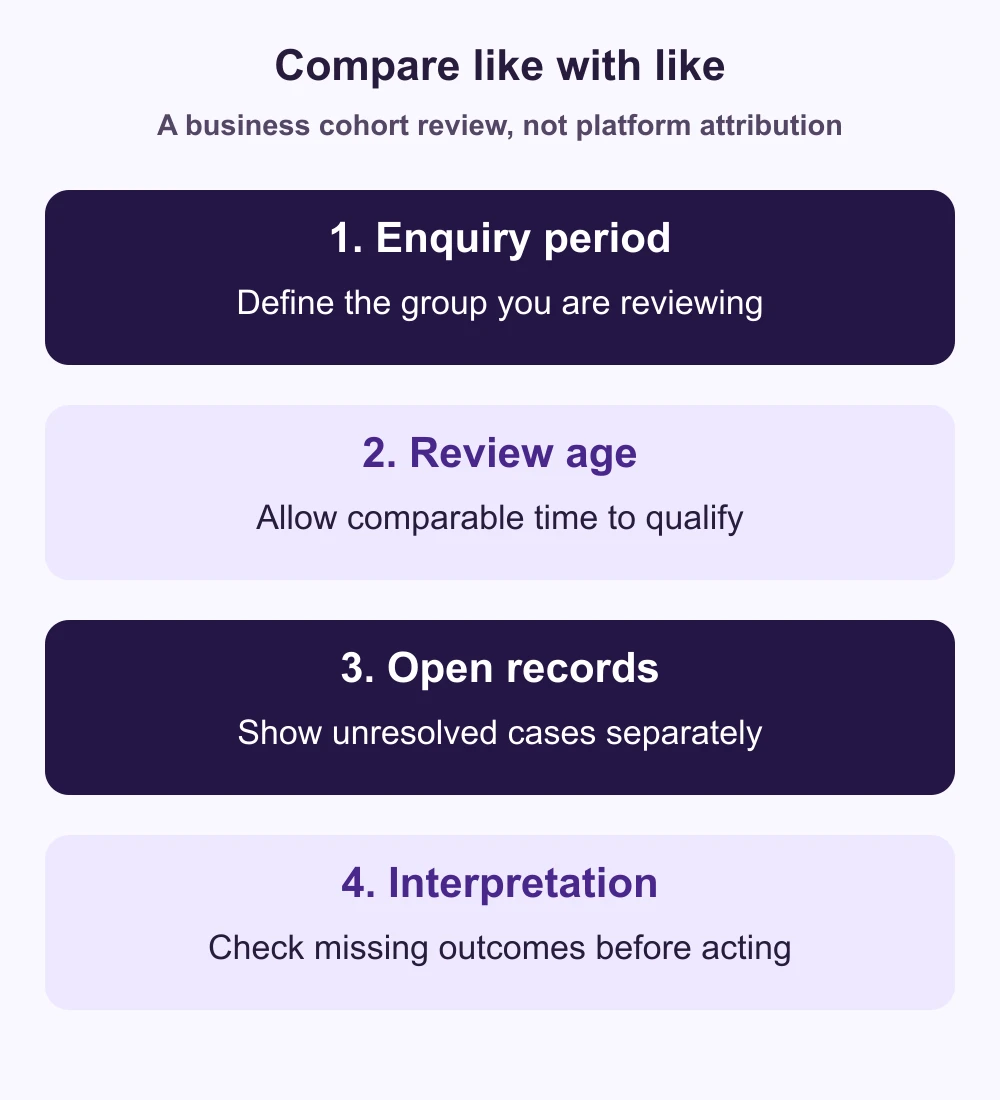
Specify the denominator in every report. “Qualification rate” might mean qualified divided by all received enquiries, or qualified divided by reviewed enquiries. Those answer different questions. Show the counts alongside the percentage so the sales team can see whether apparent improvement comes from better fit or simply fewer records being reviewed.
7. Use the findings to choose the next investigation
If many records never reach sales, repair receipt and routing first. If genuine enquiries request a service you do not offer, compare the ad promise and landing-page wording with the actual requests. Our search-term review guide helps investigate unsuitable search intent without excluding useful demand indiscriminately.
If enquiries appear suitable but remain unanswered, look at ownership and follow-up before attributing the problem to targeting. If sales updates are complete but advertising outcomes disappear, investigate the connection and diagnostics. These are different failure modes with different owners; one generic “improve lead quality” task hides that distinction.
Finish the handover with four named responsibilities: who maintains the website event, who reviews lead status, who monitors the outcome connection and who approves campaign-goal changes. Keep the definitions and field map somewhere the team can update when forms, services or CRM stages change.
Before increasing investment, use our Google Ads budget checklist to review the wider decision. For help connecting the campaign, landing page and sales process, send GoSocial your current enquiry journey. We can scope the measurement work around your actual setup, including campaigns for the UK or US, without promising a particular lead volume or result.